At this time, Matiz Press is not taking print jobs; this page is for reference only. If you have a project that fits our mission, inquire at info@matizpress.com
What is Riso?
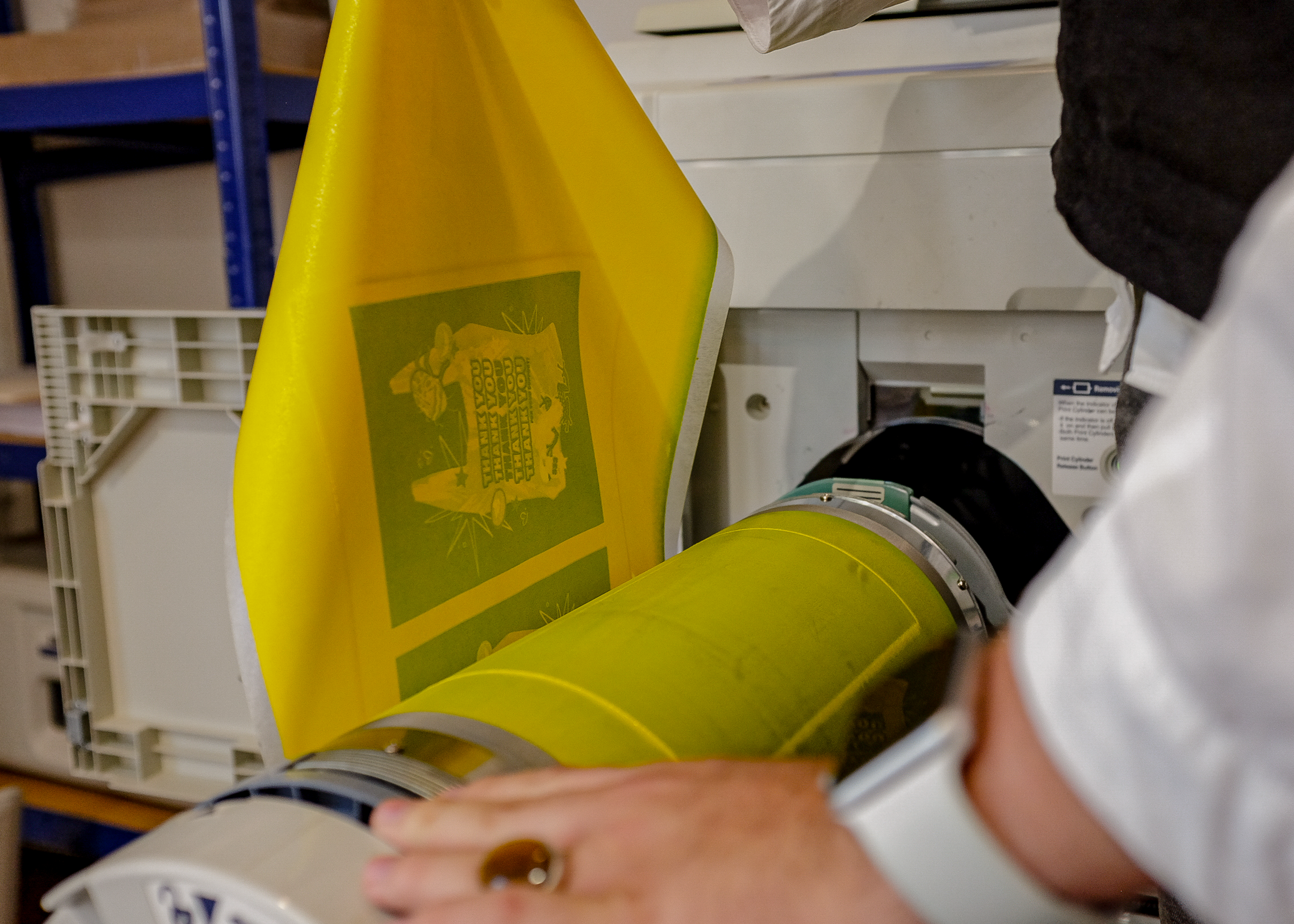
Risograph (Riso) printing is a stencil-based duplicator process that offers the efficiency of digital printing with the charm and tactile quality of traditional screen printing. Developed in Japan in the 1980s, the Risograph has become a favorite among artists and designers for its vibrant colors, eco-friendly practices, and distinctive aesthetic.
How it Works
- Creating a Master: A digital or scanned image is used to create a rice-paper stencil (master).
- Printing: The master is wrapped around an ink drum. As the drum rotates at high speed, ink is pushed through the stencil onto paper.
- Layering Colors: Multicolored prints are achieved by running the paper through the machine multiple times, with each color layer printed separately.
At Matiz Press, we use:
- MZ790U Dual-Color Printer: Prints two colors in a single pass.
Printing Area
- Maximum Size: 11 x 17 inches (Tabloid)
- Minimum Size: 3.5 x 5.5 inches
- Printable Area: Approximately 10.75 x 16.75 inches
Note: Riso cannot print full bleed. Add a 1/4–1/2 inch border for optimal results.
Paper Guidelines
Recommended Paper Types
- Weight: 13 lb bond to 110 lb index (46 to 210 GSM)
- Finish: Uncoated paper (smooth or vellum recommended)
Riso cannot print on glossy or coated paper. For specialty stock, we recommend French Paper Co., Mohawk, or Cougar.
Preparing Your File
File Setup
- Separate Colors: Save each color layer as a grayscale file. The Riso reads the percentage of black to determine ink coverage (e.g., 100% black = 100% ink).
- Format: Submit files as PDF, PNG, or JPEG at 300–600 DPI.
- Font Size: Minimum 6pt for legibility.
- Line Weight: Minimum 0.5pt for clarity.
- Solid Areas: Avoid large areas of 100% ink; reduce to 80%–90% opacity for smoother printing.
- Reference File: Include a full-color reference image to guide the final output.
| Color | Hex | Pantone | RGB | CMYK | |
|---|---|---|---|---|---|
| Black ブラック | #000000 | Black U | 0, 0, 0 | 0, 0, 0, 100 | |
| Mahogany | #8E595A | — | 142, 89, 90 | 0, 37, 37, 44 | |
| Blue ブルー | #0078BF | 3005 U | 0, 120, 191 | 99, 22, 0, 1 | |
| Light Teal ライトティール | #00838A | 320 U | 0, 131, 138 | 100, 1, 40, 7 | |
| Kelly Green ケリーグリーン | #67B346 | 368 U | 103, 179, 70 | 52, 0, 86, 0 | |
| Yellow イエロー | #FFE800 | Yellow U | 255, 232, 0 | 0, 9, 100, 0 | |
| Fluorescent Orange 蛍光オレンジ | #FF7477 | 805 U | 255, 116, 119 | 0, 55, 53, 0 | |
| Scarlet | #F65058 | — | 246, 80, 88 | 0, 67, 64, 4 | |
| Fluorescent Pink 蛍光ピンク | #FF48B0 | 806 U | 255, 72, 176 | 0, 72, 31, 0 |
Additional Infomation
-
Riso Imperfections
Smudging: Riso ink, composed of rice bran oil, water, and pigment, is prone to smudging, similar to newspaper ink. Large areas of solid color, particularly dark tones, can increase the likelihood of smudging, especially on hight-touch areas. To reduce smudging, allow prints to dry thoroughly before handling.
-
Roller Marks: Roller marks may appear when papers with significant ink coverage pass through the Riso multiple times. These marks are caused by the feeder rollers coming into contact with wet ink. To address this:
- Print layers with heavy ink coverage last.
- If possible, leave areas in the center of design lighter in shade.
- Allow sufficient drying time between layers.
- Marks on white areas can often be removed gently with an eraser.
-
Registration: As with screen printing, each color layer in Riso printing is applied individually. For prints with multiple layers, slight misalignments (registration issues) between colors may occur. This variability can add character to your prints, but techniques like color trapping can help reduce visible gaps where layers meet.
-
Bleed: The printable area of a risograph is limited by the size of the paper, so a small border is left on the image to allow the paper to pass through.
If prints are needed at full bleed, print the design slightly larger and trim to desired size.